Home & browse
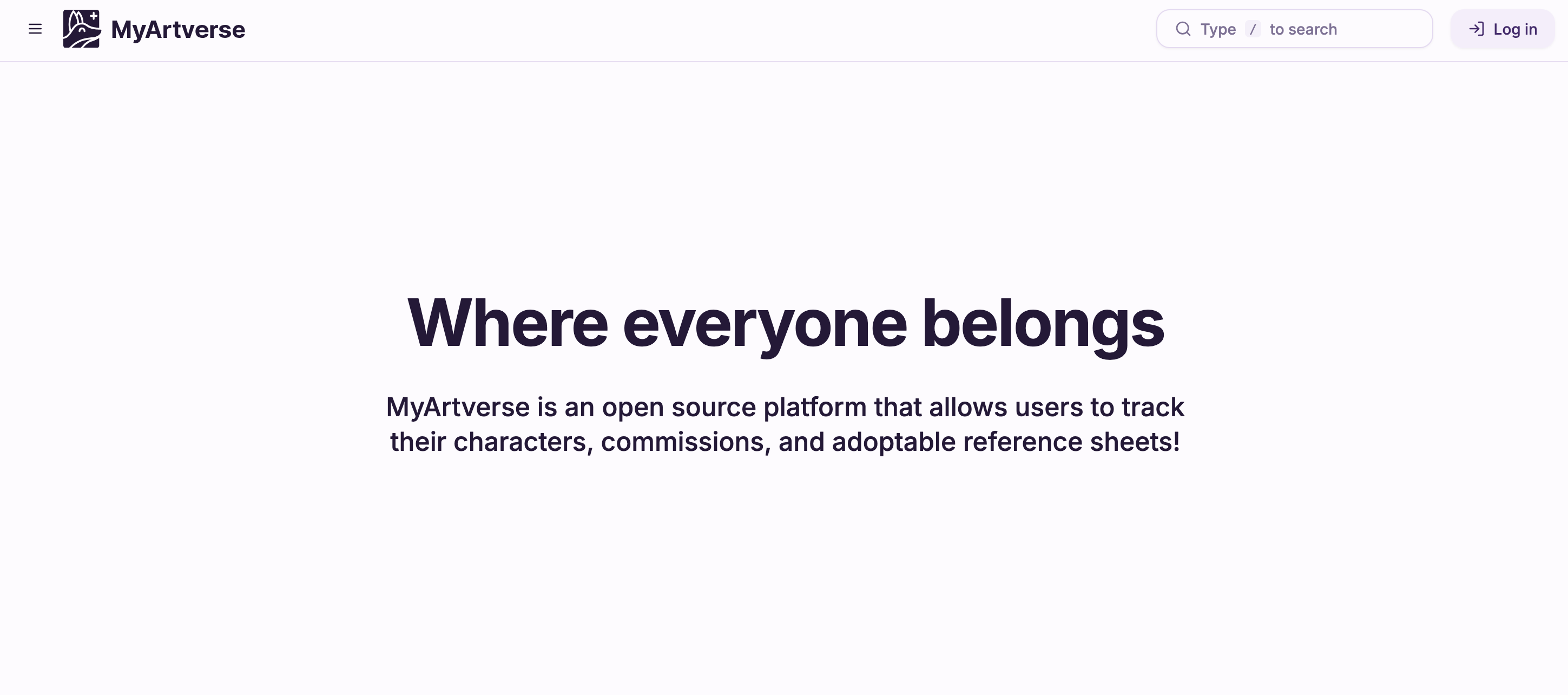
-
New guest temporary landing page with a short intro to MyArtverse.
-
Signed-in users are sent straight to Browse instead of the home page.
Comments
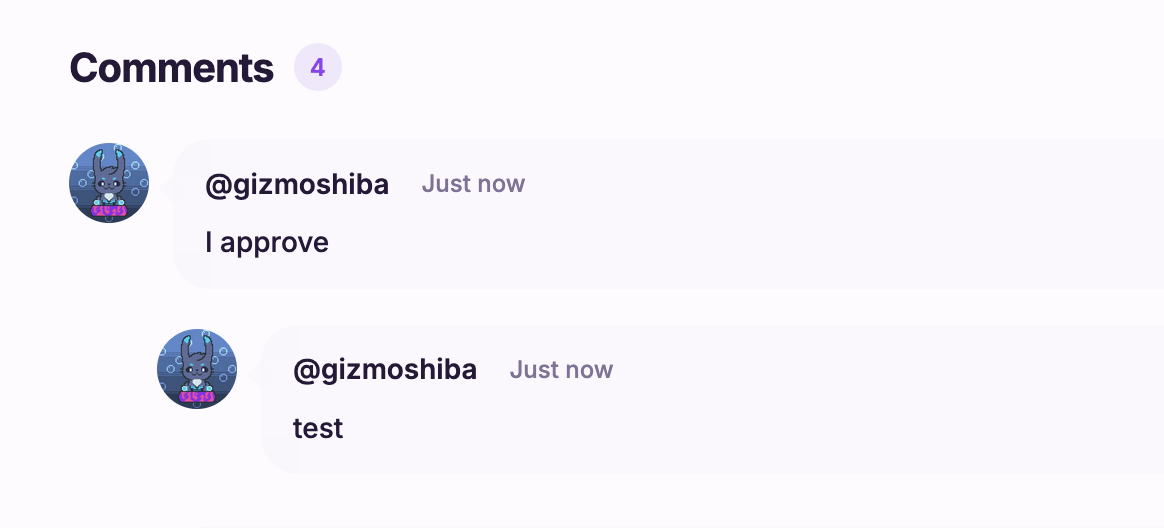
- Redesigned comment threads with a cleaner composer and message bubbles.
- Reply to comments; replies appear nested under the parent.
- Sort comments newest or oldest first on artwork and profile panels.
- Timestamps use relative time (for example, “30 minutes ago”).
- Artist and staff badges shown next to commenter names.
Artwork Header
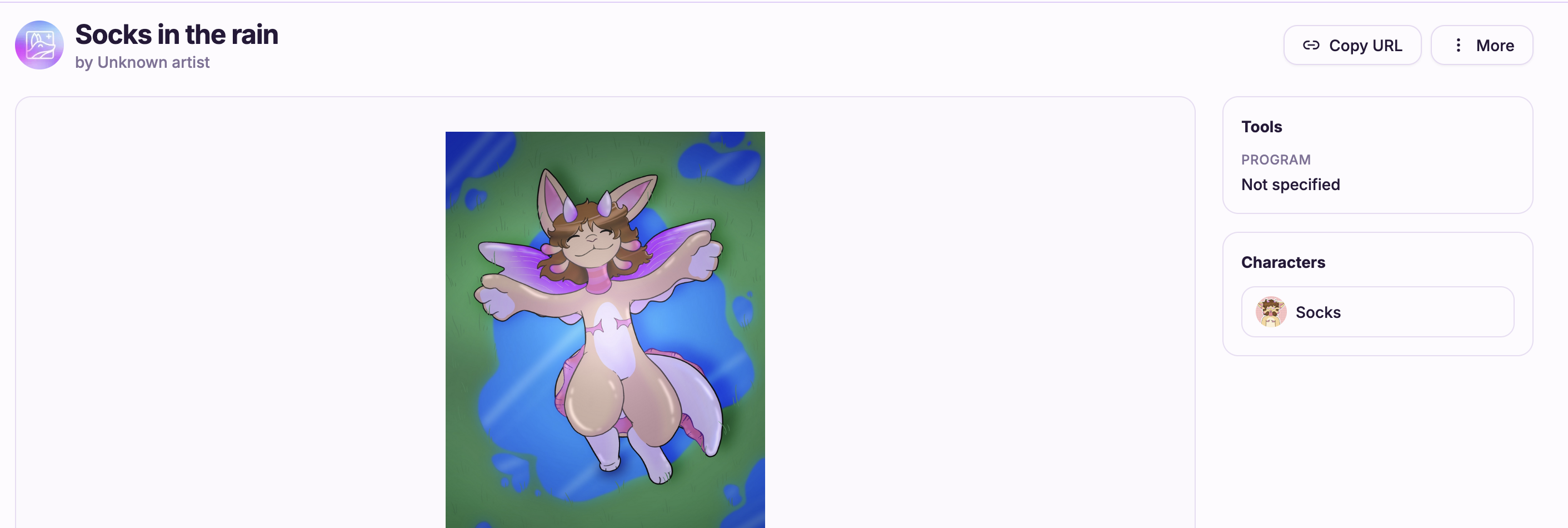
- Artwork information now appears above the artwork.
- Icons has text added for clarity.
- Copy URL on artwork pages copies a shareable link to your clipboard.
Favorites
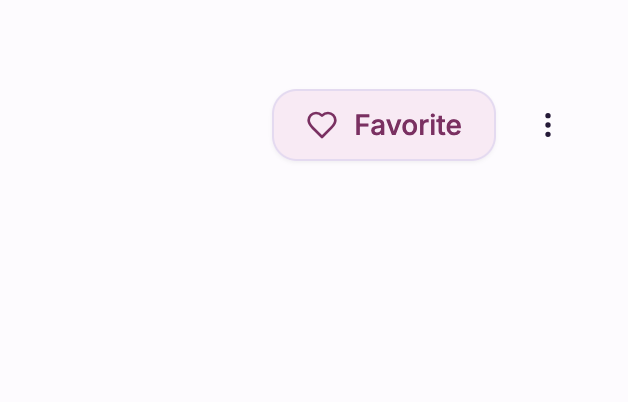
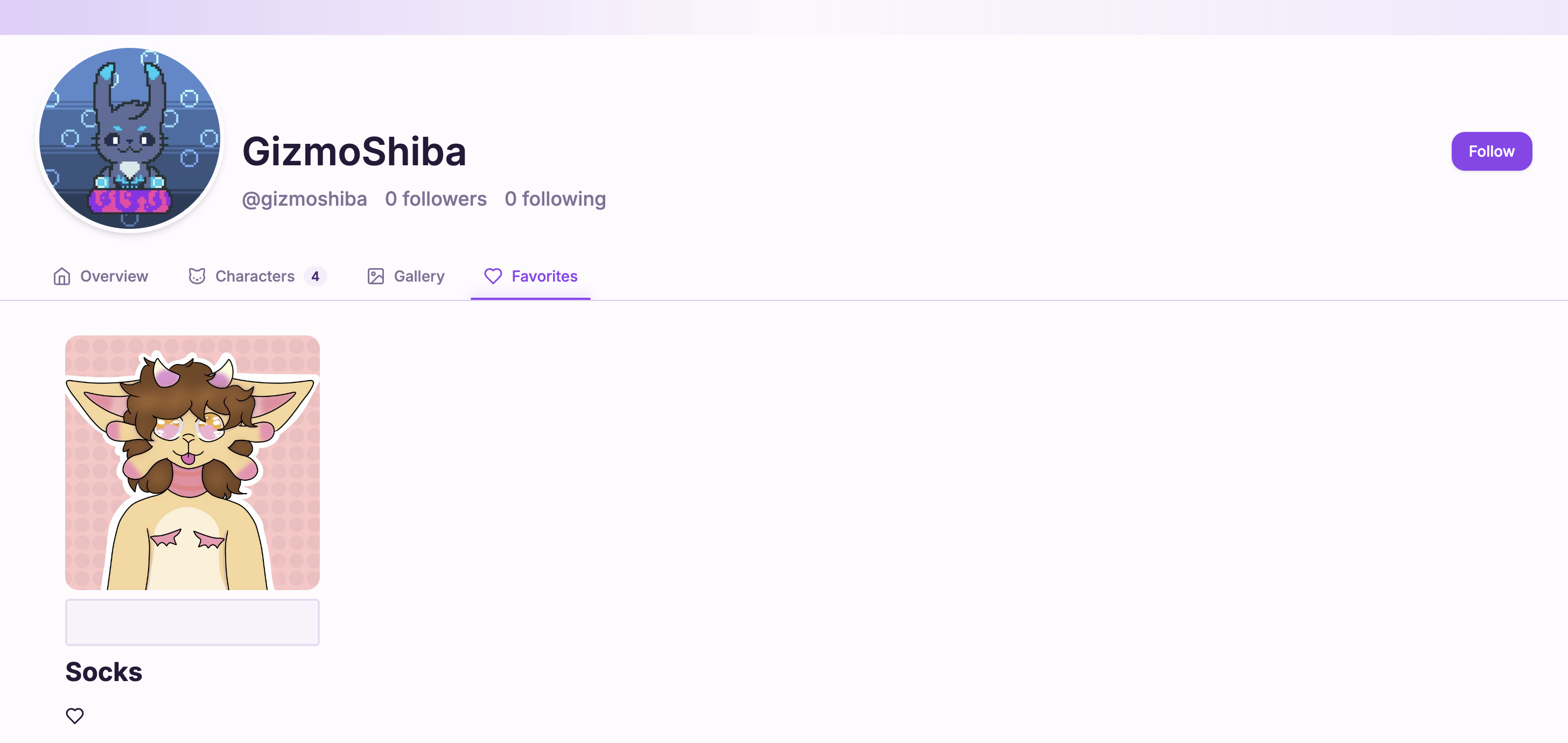
- Favorite characters from their profile and favorite artwork from the artwork view.
- Your profile Favorites tab lists characters you have saved.
Follows
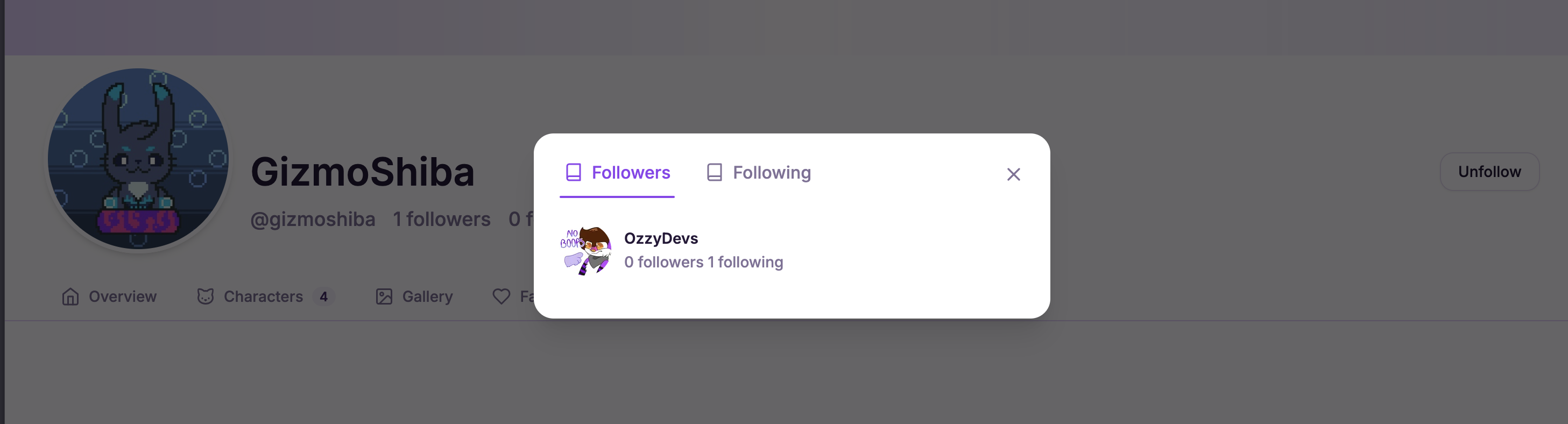
- Follow and unfollow users from their profile.
- The Relations modal lists followers and following with quick links to profiles.
Privacy & visibility
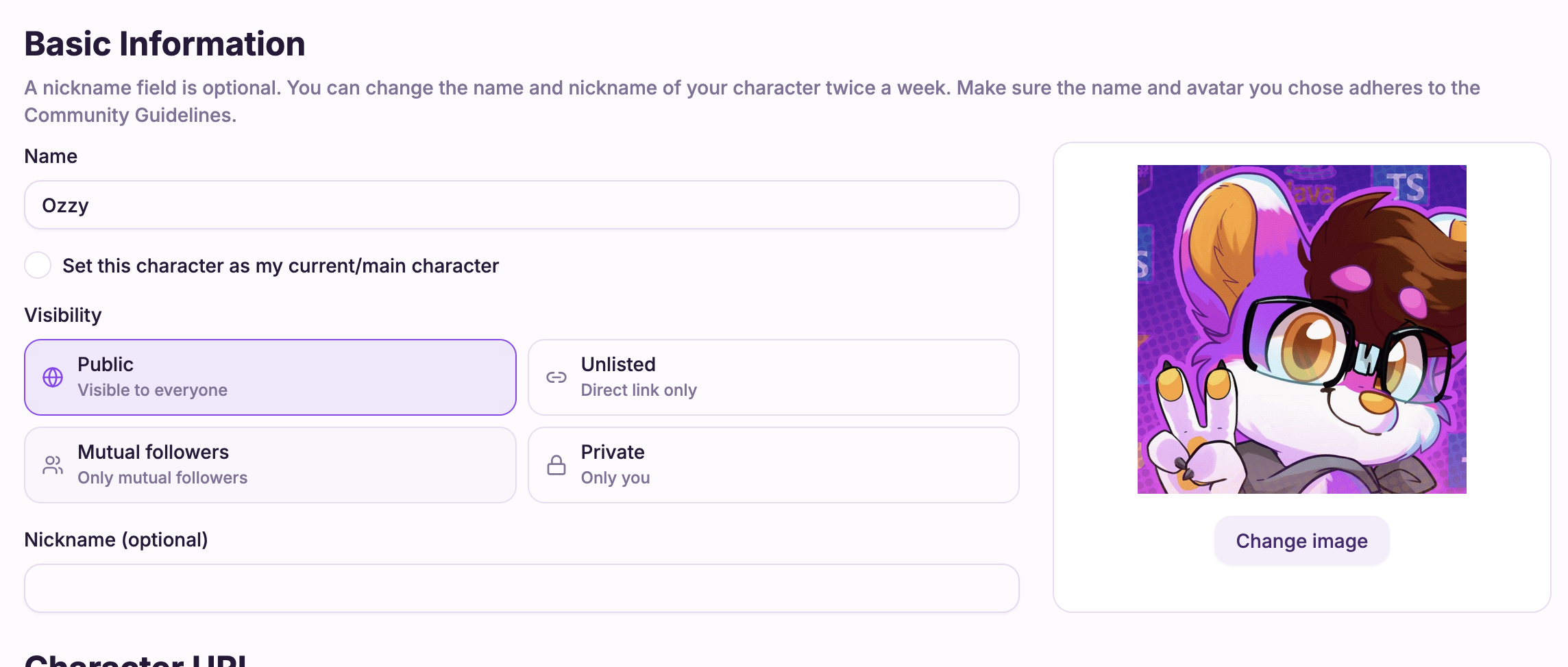
- Characters and artwork can be set to Public, Unlisted, Mutual followers, or Private when creating or editing.
- Visibility badges on studio grids and artwork cards show who can see each piece.
- Pages respect visibility - only viewers with access can open restricted content.
Gallery & profiles
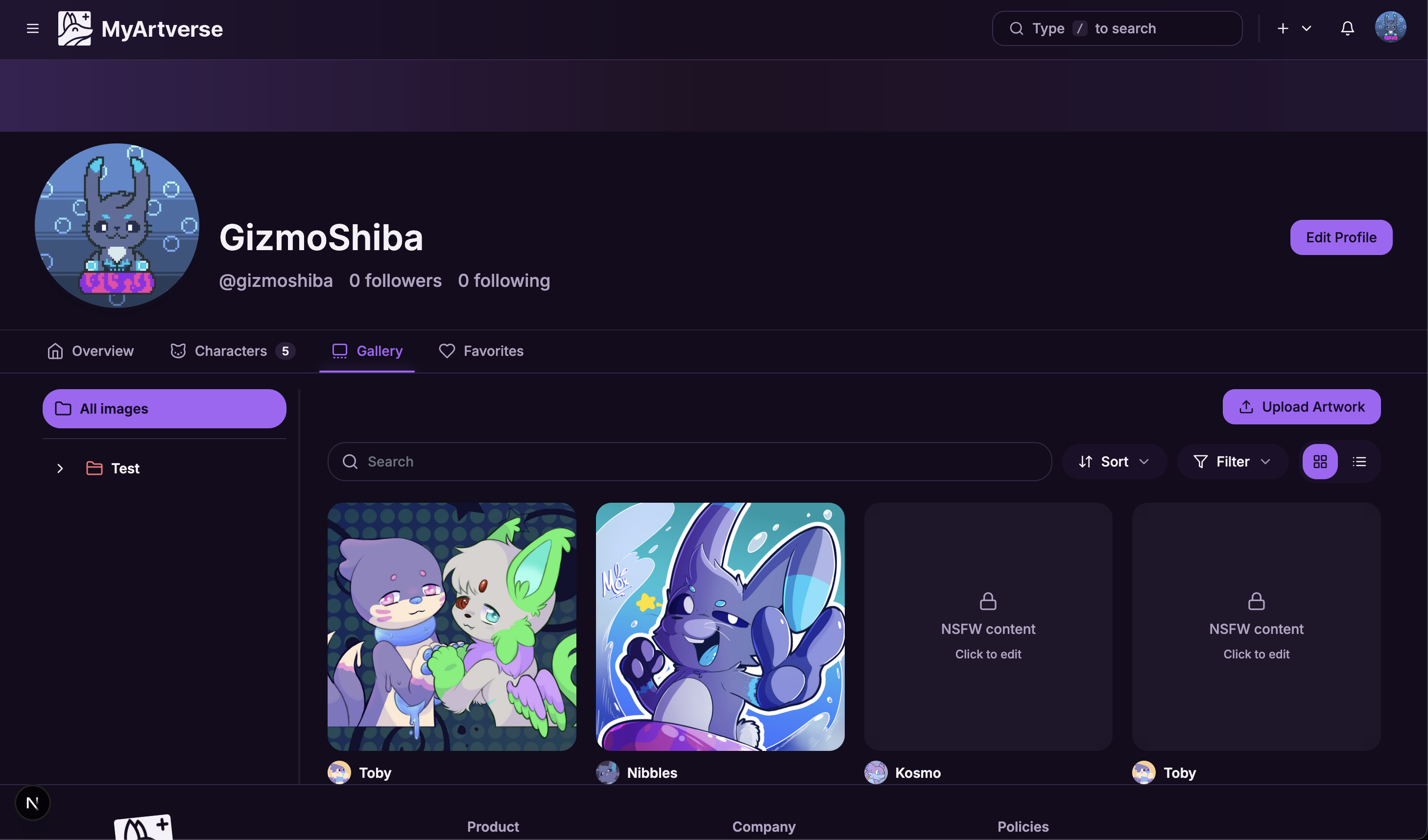
- User profiles have a Gallery tab with folder sidebar, search, sort, and grid/list views.
- Gallery cards show character avatars, names, and Reference badges on artwork thumbnails.
- Character galleries use the updated card layout and filter toolbar.
Artist credit
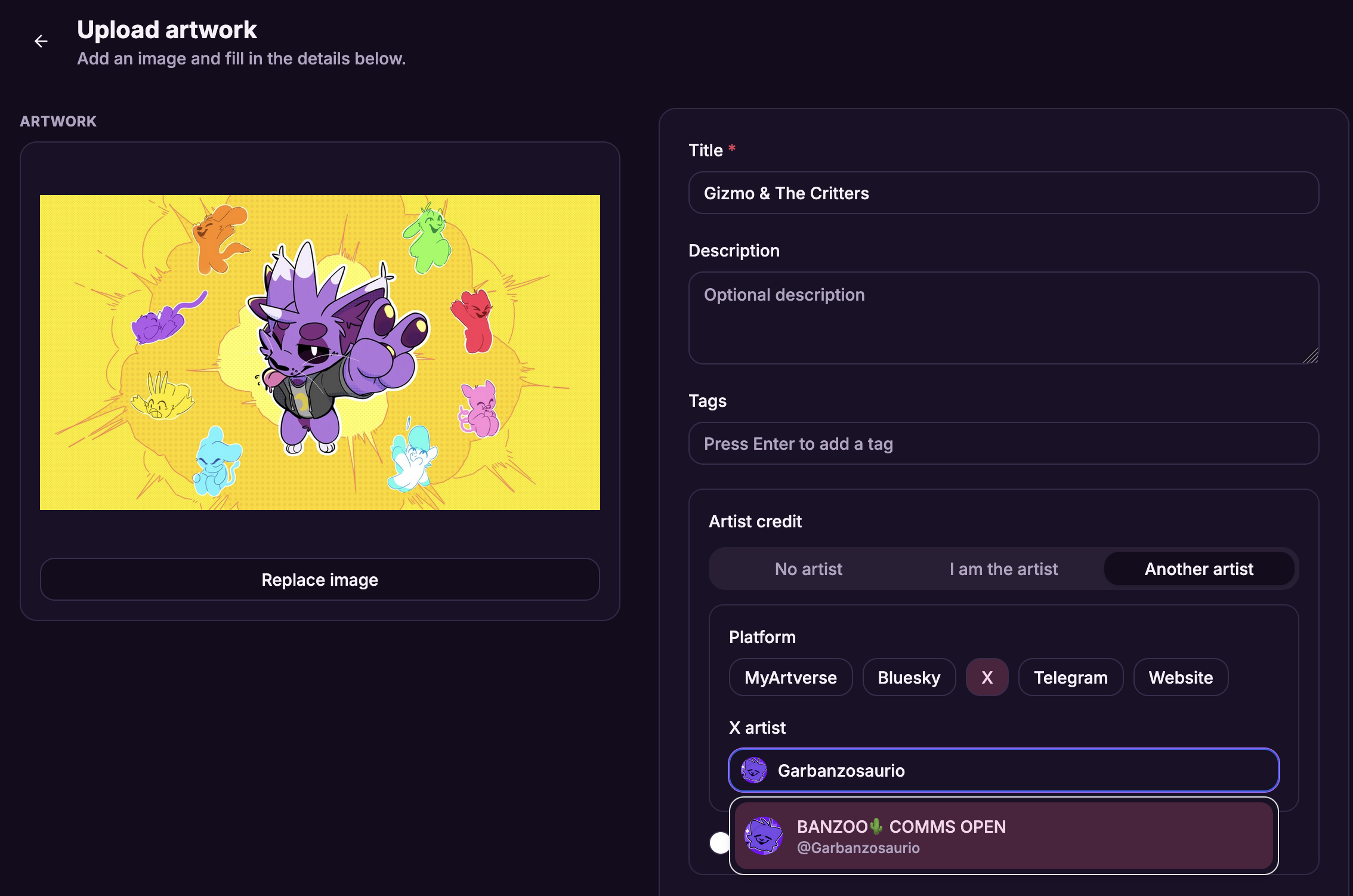
- Credit artists across platforms (Bluesky, X, MyArtverse, and more).
- Artist profile pictures are kept across platforms where available.
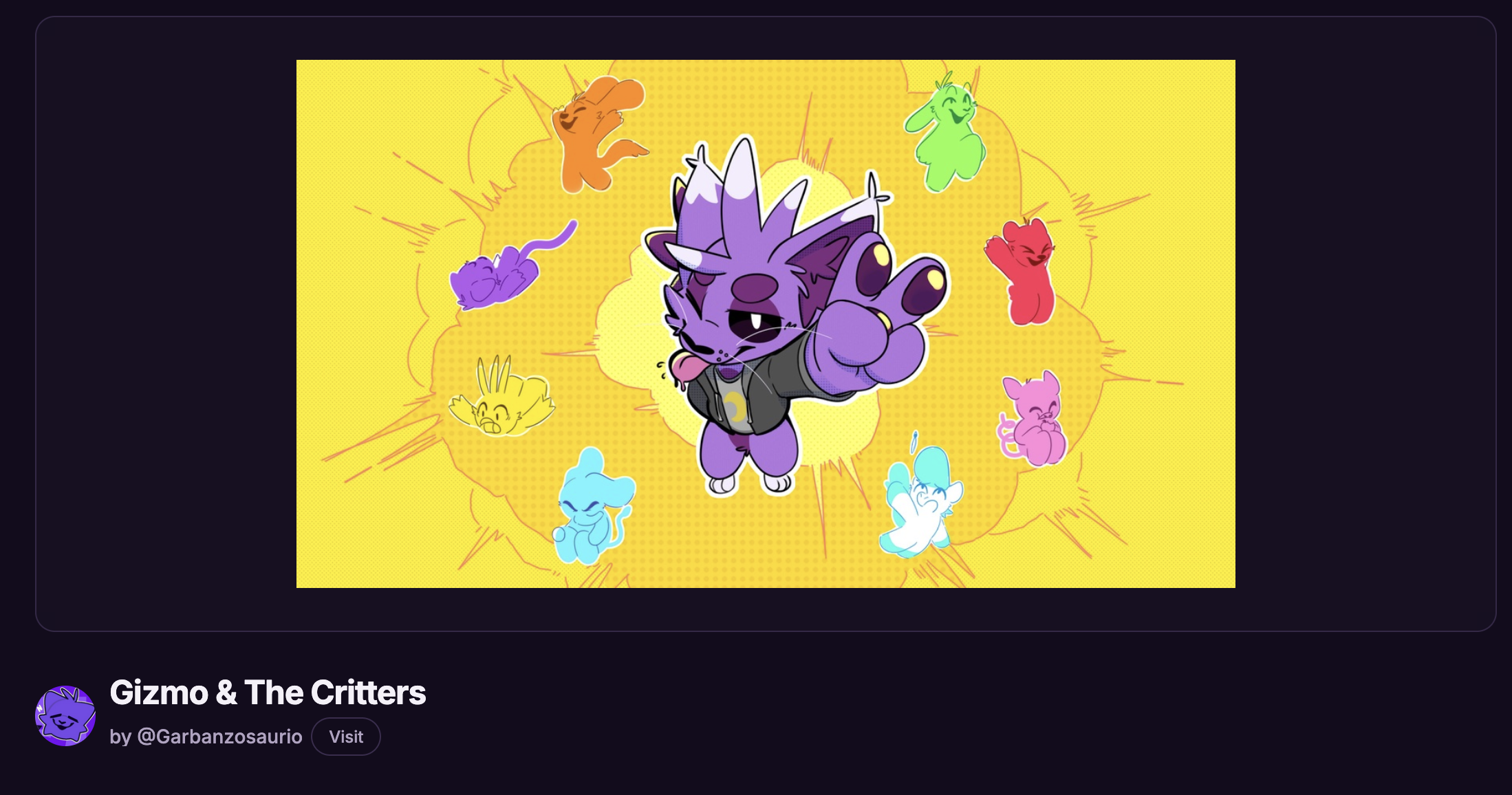
- Artwork pages show a Visit button linking to the credited artist.
- Artist search dropdown shows profile pictures and resolves Bluesky handles correctly.
Characters
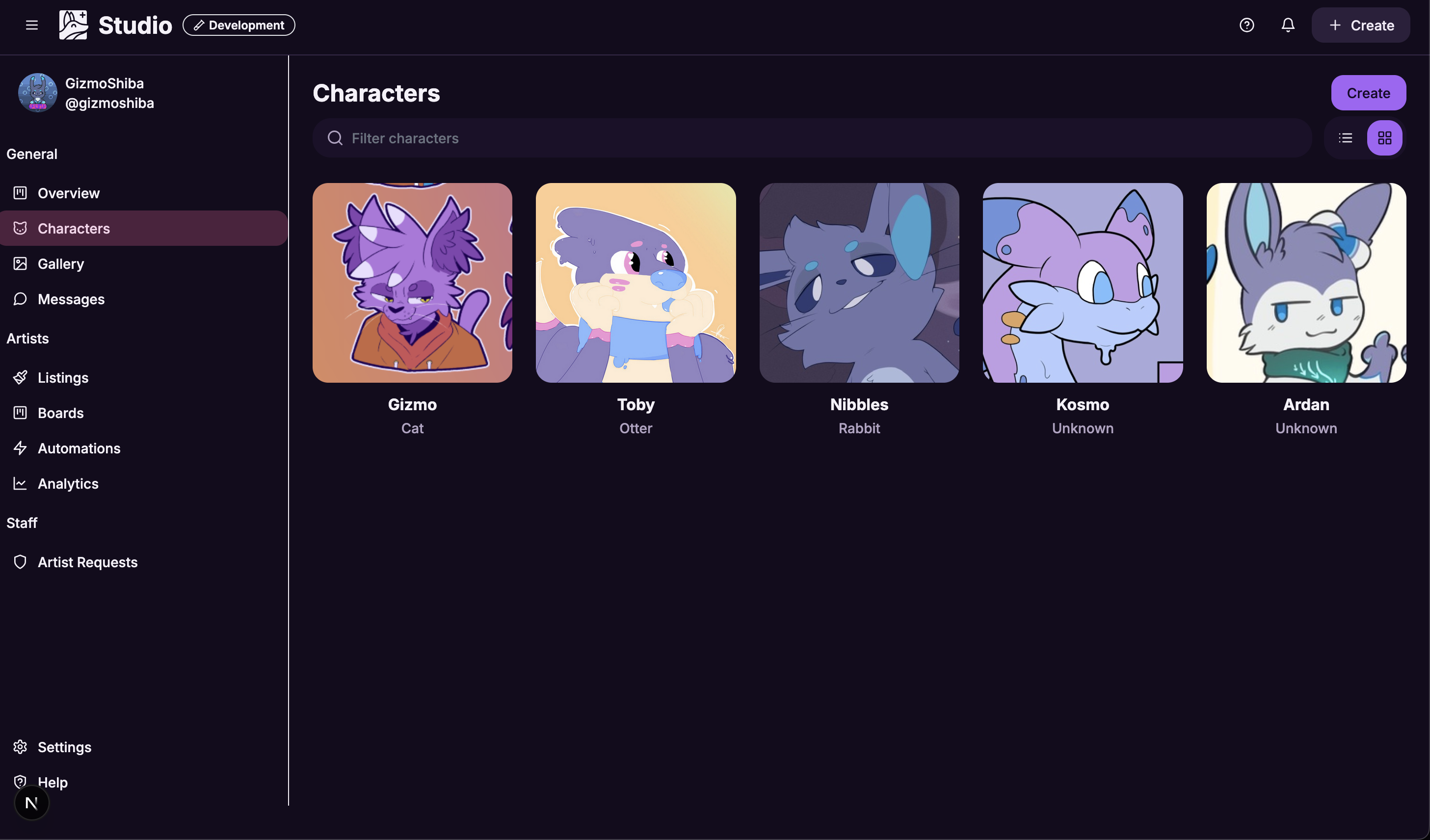
- Studio character cards use a cleaner grid design with filter bar and view toggles.